
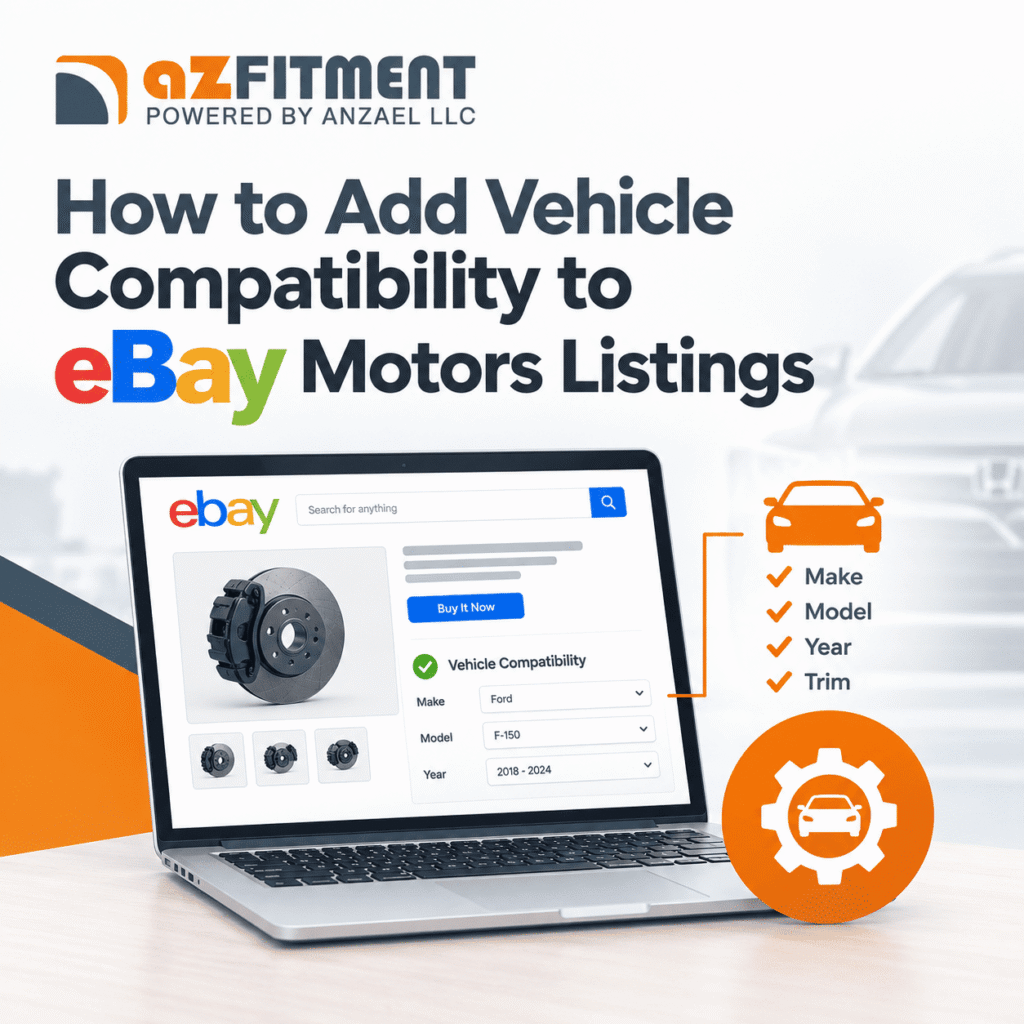
Selling automotive parts on eBay Motors requires more than a product title, price, and images. Buyers also need to know whether a part fits their specific vehicle. Without accurate compatibility information, sellers may miss relevant searches, receive repetitive buyer questions, and face avoidable returns.
Adding vehicle compatibility helps connect your products with buyers searching for parts by vehicle year, make, model, and other specifications. This guide explains how to add compatibility to eBay listings, maintain accurate fitment data, and improve your automotive listing workflow.
What Is Vehicle Compatibility on eBay Motors?
Vehicle compatibility, also called parts fitment, identifies the vehicles a particular automotive part is designed to fit. Depending on the product and available catalog data, compatibility may include year, make, model, trim, engine, and other relevant vehicle attributes.
With eBay parts compatibility, sellers can associate multiple compatible vehicles with a single eligible listing instead of creating separate listings for every vehicle application.
For example, a replacement headlight may fit several model years and trims of the same vehicle. Accurate compatibility data helps buyers determine whether the product suits their vehicle before purchasing.
Why Is eBay Vehicle Fitment Important?
Accurate eBay vehicle fitment benefits both sellers and customers.
- Better product discovery: Compatibility information helps relevant listings appear in vehicle-based searches.
- Improved buyer confidence: Shoppers can review compatible vehicle applications before ordering.
- Fewer compatibility mistakes: Precise fitment information helps reduce incorrect purchases and associated returns.
- More efficient catalog management: Sellers can maintain one eligible listing for a part that fits multiple vehicles, subject to eBay’s listing requirements.
Compatibility data can support listing visibility, but it does not guarantee higher rankings or sales. Product relevance, listing quality, pricing, and other marketplace factors still matter.
How to Add Vehicle Compatibility to eBay Listings
Follow these steps to add compatibility information to an eligible eBay Motors listing.
Step 1: Gather Accurate Product Information
Before creating your listing, collect the manufacturer’s part number, brand, product category, and verified fitment information. Identify every supported year, make, model, trim, and engine combination where applicable.
Use manufacturer catalogs, trusted fitment databases, and product documentation to verify compatibility. Do not assume that visually similar parts fit the same vehicles.
Step 2: Select the Correct eBay Category
Sign in to your eBay seller account and start creating or editing a listing. Choose the most appropriate automotive parts category.
Compatibility features depend on category eligibility and the available listing workflow. If the compatibility option is unavailable, check the category requirements and eBay’s current seller guidance.
Step 3: Search the eBay Catalog
Enter the product’s part number, brand, or other identifying information to find a matching catalog entry.
If the correct product is available, review its details carefully before selecting it. Confirm that the catalog record matches the exact part you intend to sell.
If no suitable entry exists, check whether eBay allows manual compatibility entry for that category and listing.
Step 4: Add Compatible Vehicles
Use the available compatibility tools to select the appropriate vehicle applications. Start with the year, make, and model, then refine the selection using trim and engine details when relevant and available.
Include only vehicles supported by reliable fitment evidence. Review the generated compatibility list before saving it, especially when a selection includes multiple trims or engine configurations.
Step 5: Complete eBay Motors Item Specifics
Fill in the applicable eBay Motors item specifics, such as brand, manufacturer part number, placement, type, and other category-relevant attributes.
Item specifics describe the product itself, while compatibility identifies the vehicles it fits. Both should be accurate and consistent with the product title, description, and supporting documentation.
Step 6: Review and Publish the Listing
Check the compatibility table, product details, images, condition, and shipping information before publishing. Verify that no unsupported vehicles have been included and that important exclusions are clearly explained.
After publication, review the listing periodically to correct errors and update fitment information when new verified applications become available.
Common eBay Parts Compatibility Mistakes to Avoid
Even a well-written listing can cause problems if its fitment data is inaccurate. Avoid these common mistakes:
- Adding unsupported vehicles: Never include a model year or engine configuration without verification.
- Relying on incomplete part numbers: Similar part numbers can refer to different components or applications.
- Ignoring trim and engine differences: Some components vary by engine, drivetrain, body style, or production configuration.
- Confusing item specifics with compatibility: Completing product attributes does not necessarily populate the compatibility table.
- Leaving outdated fitment data online: Review listings whenever product specifications or verified applications change.
These checks help sellers maintain trustworthy listings and reduce preventable compatibility-related issues.
How eBay Fitment Management Can Simplify Listing Operations
Managing compatibility manually becomes increasingly difficult when a catalog contains hundreds or thousands of automotive SKUs. Repeated data entry can create inconsistent vehicle applications, missing records, and time-consuming corrections.
A structured eBay fitment management process centralizes product and vehicle compatibility data, standardizes vehicle attributes, and makes updates easier to control. For sellers operating across multiple marketplaces, a fitment management solution can also help maintain a consistent source of product data while adapting it to each platform’s requirements.
Tools such as azFitment can help automotive businesses organize fitment information and streamline its distribution across supported sales channels. Choose a workflow that supports your catalog size, data sources, integration requirements, and review process.
Final Thoughts
Adding vehicle compatibility to eBay Motors listings helps buyers identify suitable automotive parts and gives sellers a more organized way to present product applications. Start with verified fitment data, use the correct listing category, complete relevant item specifics, and review every compatibility entry before publishing.
For growing catalogs, an effective fitment management process can reduce repetitive work and make ongoing data maintenance more manageable. Accuracy should remain the priority: the right compatibility information helps buyers make better-informed purchasing decisions.
Need help simplifying eBay fitment management? Contact azFitment today to streamline your vehicle compatibility data and manage your automotive listings more efficiently.
FAQs:
Create or edit an eligible automotive parts listing, select the correct category, search for the product in eBay’s catalog, and choose the matching entry. If supported, manually select compatible vehicles using year, make, model, trim, and engine information. Review the data before publishing.
eBay Motors compatibility is a feature that associates automotive parts with the vehicles they fit. It helps buyers check vehicle applications and discover relevant listings through vehicle-based searches.
Year, make, and model are the core vehicle identifiers. Depending on the product, accurate fitment may also require trim, engine, drivetrain, body style, or other vehicle-specific information.
You can generally edit eligible listings and update their compatibility information through the available seller tools. The exact options depend on the listing category, product, and current eBay requirements.
Verify the product’s part number and category first. If no suitable catalog entry exists, check whether the listing workflow supports manual vehicle compatibility entry. Use verified manufacturer or fitment data rather than guessing.
Item specifics describe the product, including its brand, part number, type, and other attributes. Vehicle compatibility identifies the years, makes, models, and configurations the product fits. Accurate listings may need both.
Compatibility information can help relevant listings appear in vehicle-based searches. However, it does not guarantee higher rankings or sales; product relevance, listing quality, pricing, and other factors also influence performance.
Verify part numbers and vehicle applications, account for engine and trim differences, complete relevant item specifics, and review compatibility before publishing. Keep product descriptions clear about confirmed fitment and any limitations.
Use a centralized fitment database or compatible management solution to organize product records, standardize vehicle attributes, validate updates, and reduce repetitive manual entry. Review automated changes before publishing them.
eBay fitment management software helps automotive sellers organize, maintain, and update vehicle compatibility data across product listings. Depending on the solution, it may also support bulk processing and distribution to multiple marketplaces.
